Online NTN Verification By CNIC From FBR
Check Online FBR NTN Inquiry
Check Your FBR Registration Details
Online NTN verification helps you check a registration record with the Federal Board of Revenue (FBR). For a registered individual, the 13-digit CNIC is the registration number; companies and associations of persons (AOPs) use their 7-digit NTN. Use the official inquiry service below, rather than entering your identity details on an unfamiliar website.
How to Check Registration Through FBR IRIS
- Visit the official FBR IRIS portal.
- Find Online Verifications and choose Taxpayer Profile Inquiry.
- Select the identification type appropriate to the taxpayer: CNIC for an individual or the relevant NTN option for an entity.
- Enter the identifier in the requested format. Check every digit against your own registration record.
- Complete the CAPTCHA shown on the official form, then use its verification button.
- Review the NTN verification result and check that it belongs to the correct person or entity. For active-taxpayer status, use the separate Income Tax ATL service.
The NTN verification portal labels and layouts can change. If you cannot find the service, start again from the official IRIS homepage or consult FBR’s help resources. This page explains the process; it does not collect your CNIC or perform the FBR search for you. Completion time depends on the portal and the information supplied.
Related Guide: Verify NTN Online
Understand the Number You Are Checking
Before starting NTN verification, identify whether you are checking your personal tax registration or the registration of a separate organisation. This prevents a common mistake: entering a director’s or partner’s CNIC and treating the personal result as confirmation of the business’s tax record. Use the identifier belonging to the taxpayer named on the document you need to verify.
CNIC Identifies a Registered Individual
FBR’s taxpayer registration guidance explains that an individual’s 13-digit CNIC is used as the NTN or registration number after e-enrolment. A person should therefore not expect NTN verification to produce a separate seven-digit company-style number. Possession of a CNIC alone is not evidence that e-enrolment has been completed.
Companies and AOPs Have Their Own NTN
A company or association of persons (AOP) uses the seven-digit NTN received after e-enrolment. For entity NTN verification, check the organisation’s own registration information rather than substituting the CNIC of someone who owns, manages or represents it. If you are uncertain which taxpayer a document refers to, resolve that question before relying on the search result.
For example, a request for an individual’s registration information and a request for a company’s NTN are different enquiries, even when the individual is the company’s director. During NTN verification, keep the name, taxpayer category and identifier together when comparing documents. This is a practical identity check, not a determination of ownership, authority to sign or the organisation’s wider legal standing.
NTN Verification and Active Taxpayer Status Are Different
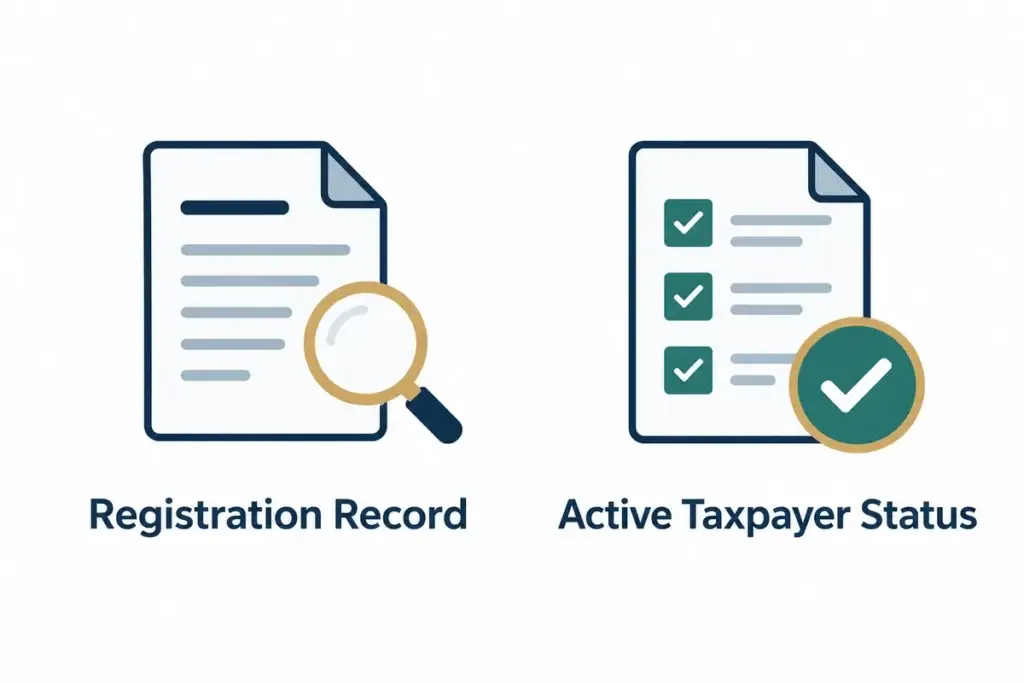
Use FBR IRIS to select the enquiry that matches your purpose. For NTN verification, Taxpayer Profile Inquiry concerns registration particulars. Active Taxpayer List (Income Tax) is a separate verification service. A registration record should not be described as proof that the taxpayer currently appears on the Income Tax ATL.
| Your Question | Appropriate Check |
|---|---|
| Which registration record belongs to this taxpayer? | Taxpayer Profile Inquiry |
| Is this taxpayer shown as active for income tax? | Active Taxpayer List (Income Tax) |
| Has a particular return been submitted? | Review the relevant return and submission record in the authorised account |
Keep the purpose of NTN verification visible in your notes. For instance, label a saved profile result “registration enquiry” rather than “filer certificate”. If a bank, client or other organisation requests evidence, ask which record it needs instead of sending an unrelated result. This avoids confusion without making assumptions about that organisation’s acceptance requirements.
SMS Checks the ATL, Not Registration Details
FBR’s active-taxpayer status instructions provide an SMS option: individuals send ATL, a space and their 13-digit CNIC to 9966; companies and AOPs use ATL, a space and their seven-digit NTN. Treat this as an ATL check, not a substitute for NTN verification or a way to correct registration particulars.
Do not confuse the Income Tax ATL enquiry with a Sales Tax enquiry. Start with the tax category actually requested and read the service label before submitting an identifier. NTN verification and these status enquiries serve distinct purposes; a result from one should not be relabelled as confirmation from another.
Read the NTN Verification Result Before Using It
After completing online NTN verification by CNIC, compare the displayed information with the taxpayer’s own records. Check that you entered the intended identifier and selected the intended type of enquiry. Do not assume that the first result on screen answers every tax question simply because the number was accepted.
Match the Taxpayer, Not Just the Digits
Where the NTN verification result displays a name or other particulars, compare those details carefully. Similar personal names, abbreviations or business trading names can cause confusion when a record is copied into an email or application. If something does not match, pause and establish the correct taxpayer identity before presenting the result as verified.
Save only what you need for your legitimate purpose. For NTN verification, a dated private note identifying the official service used can help distinguish a recent enquiry from an older screenshot. If you share a result with an authorised recipient, explain whether it concerns registration or ATL status and avoid including unrelated personal information.
An NTN verification result is not, by itself, a tax-clearance opinion, a guarantee of a supplier’s reliability or evidence that every return and payment obligation has been satisfied. If a decision depends on a specific filing, payment, transaction or tax period, examine the corresponding records rather than extending the meaning of a profile enquiry.
What to Check When NTN Verification Does Not Work
An unsuccessful NTN verification search needs careful interpretation. It may reflect an input problem, the selected enquiry type or a technical difficulty; do not immediately describe it as proof that the person is unregistered. Record the message accurately and separate what the screen actually says from what you suspect caused it.
Check the Identifier and CAPTCHA
For a failed NTN verification attempt, compare the identifier with the original document, checking for missing, extra or transposed digits. Use the format requested by the official form. Enter the CAPTCHA shown for that attempt rather than reusing an earlier code. If you refresh the challenge, check that the replacement code is the one you submit.
If the NTN verification page fails to load or does not return a clear response, retry later from the official portal. Avoid repeatedly sending the same personal information to unrelated websites promising an instant result. A technical failure does not establish a tax status, and there is no need to invent a conclusion to complete a checklist.
Use the Right Route for Corrections
Finding an error during NTN verification and correcting it are separate tasks. The NTN verification screen should not be treated as a registration amendment form. Consult FBR’s published registration guidance or FBR help resources to identify the appropriate process for the particular discrepancy. Keep supporting documents available, but provide them only through a suitable authorised channel.
When requesting assistance with NTN verification, explain which official service you used, the taxpayer category and the exact problem. You can often describe an error message without sharing a complete CNIC image or account credentials. Do not request a second registration merely because the first search attempt was unsuccessful; establish the existing position first.
Protect Your CNIC and Tax Account Information
This NTN verification guide explains the process; it is not an FBR database and does not ask you to enter a CNIC here. Follow the official portal link for the actual enquiry. Do not post your CNIC, tax documents, passwords or one-time codes in public comments, review forms or social-media replies while seeking help.
For safe NTN verification, check the address bar before entering information. A familiar logo or the words “FBR verification” on a page are not enough to establish that it is an official service. When uncertain, return to FBR’s own website and navigate from there rather than using an unsolicited message or advertisement.
Keep account access separate from public NTN verification. Do not send your IRIS password to someone merely to obtain an explanation of a verification result. If professional assistance requires access or documents, agree the scope, recipient and secure method first. Share only the material relevant to the task and retain control of recovery details.
Choose the Next Step That Fits Your Result
If NTN verification was intended simply to identify the correct registration record, retain that result privately and finish the enquiry. If the purpose was active-taxpayer status, perform the separate ATL check. If the concern is return filing or an incorrect profile, address that issue through its own process rather than repeating NTN verification indefinitely.
Do not use an old article’s filing date as a substitute for current FBR guidance. The relevant taxpayer category, tax period and any applicable extension matter. An NTN verification result does not set your filing deadline. Before acting, check the current official position and obtain case-specific advice where your obligations or records are unclear.
A Short Checklist Before You Finish
Before closing the official portal after NTN verification, review what you have actually established. Was the enquiry about an individual or an organisation? Did you use the appropriate identifier? Does the result answer the question you started with? If you performed both NTN verification and an ATL check, keep their results clearly separated rather than combining them into a single unsupported statement.
For online NTN verification by CNIC, retain only the necessary result and remove sensitive material from shared devices when finished. Where a result is unclear, record the uncertainty rather than marking NTN verification complete. This helps the person dealing with your enquiry understand whether you need registration information, an explanation of status or assistance with a separate filing matter.
What Are the Duties of NTN Holders?
An NTN holder should distinguish NTN verification from their ongoing tax obligations. NTN verification does not submit an income tax return, calculate tax payable or confirm that every required filing has been completed. The applicable filing requirements depend on the taxpayer’s circumstances and current law.
Do not rely on a blanket statement that the deadline is 30 September every year. Check the applicable tax year, taxpayer category and any official FBR extension before acting. Companies may have different filing dates. Our income tax return filing guide explains the separate filing service; verify time-sensitive requirements against current FBR announcements.
Frequently Asked Questions About NTN Verification
What Does NTN Mean?
NTN means National Tax Number. It identifies a taxpayer’s FBR registration; the identifier used differs between individuals and companies or AOPs.
Can I Use My CNIC for Online NTN Verification?
For a registered individual, FBR uses the 13-digit CNIC as the NTN or registration number. Use the official Taxpayer Profile Inquiry and the identification option appropriate to the taxpayer.
Does Every CNIC Automatically Prove FBR Registration?
No. FBR describes registration as e-enrolment on IRIS. Possession of a CNIC alone should not be presented as confirmation that this has happened.
Which Number Should a Company or AOP Use?
Use the organisation’s own seven-digit NTN received after e-enrolment, not a director’s or partner’s personal CNIC.
Does NTN Verification Confirm Active Filer Status?
No. Use the separate Active Taxpayer List (Income Tax) service to check ATL status. A registration record alone does not establish that status.
Can I Check ATL Status by SMS?
FBR instructs individuals to send ATL, a space and their 13-digit CNIC to 9966. Companies and AOPs use ATL, a space and their seven-digit NTN.
What Should I Do If No Clear Result Appears?
Recheck the identifier, selected enquiry type and CAPTCHA. An unsuccessful attempt is not conclusive proof of non-registration. Use official FBR help if the problem continues.
Can This Page Correct My Registration Details?
No. This is an explanatory guide. Follow the relevant FBR correction process for inaccurate particulars; a verification enquiry and a registration amendment are different tasks.
Is NTN Verification the Same as Filing a Return?
No. Checking registration information does not submit an income tax return or establish that a particular return has been filed. Review the relevant submission record separately.
Should I Share My CNIC or IRIS Password Here?
No. Do not publish identifiers or account credentials in comments or messages seeking general help. Use the official FBR service and an appropriate secure channel for any authorised assistance.
Last Updated: 26 October 2026
Tax Lawyers Who Review Your Matter


Reviewed by: Mohsin Ali Shah, Senior Consulting Lawyer (Corporate & Taxation)
Published by: Pakistan Tax Lawyers & Consultants
Last updated: 26 October 2026